Creating Your Account
Learn how to create your first Untappedme account, completely free!

Homepage
Your journey begins on the homepage of Untappedme. Navigate to the sign-up button and you will be prompted to create your profile, completely free.
The homepage is also completely open to public use for access to plans and pricing, insight articles, and general information
Sign Up
You can proceed with Google (third party sign in) or complete a standard sign up using your email. You will be prompted to provide personal details such as your name, email, and phone number.
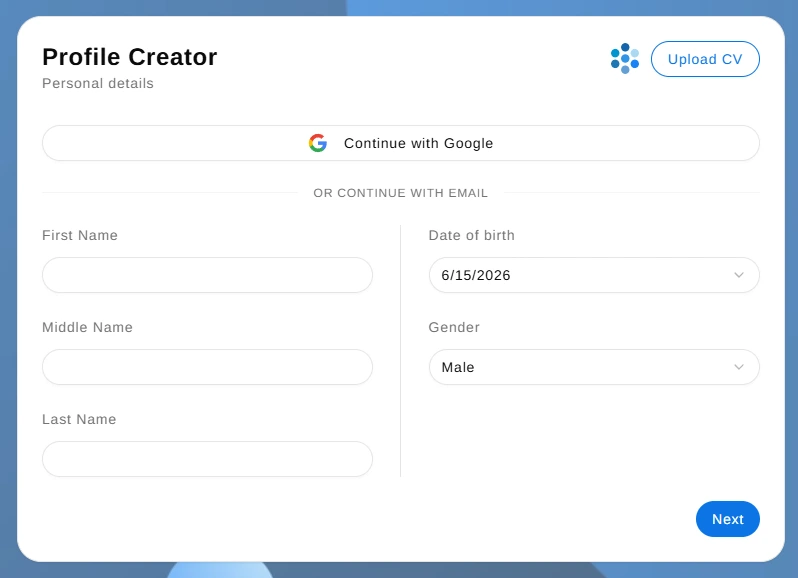
On the next page, you may optionally provide education and professional experiences, as well as any formal or informal skills. These is generally public information that you want to share with your connections or organisational colleagues.
Finally, you’ll be prompted to create a password and verify your email address. It is recommended that you verify your email address. Make sure to check both your spam and junk inboxes if you do not see the verification email. If you are unable to find the verification email, please contact us.
That’s it! You’ve just made your account on Untappedme and are free to explore all the features we offer. The next article for onboarding is dedicated to your first login walkthrough.